

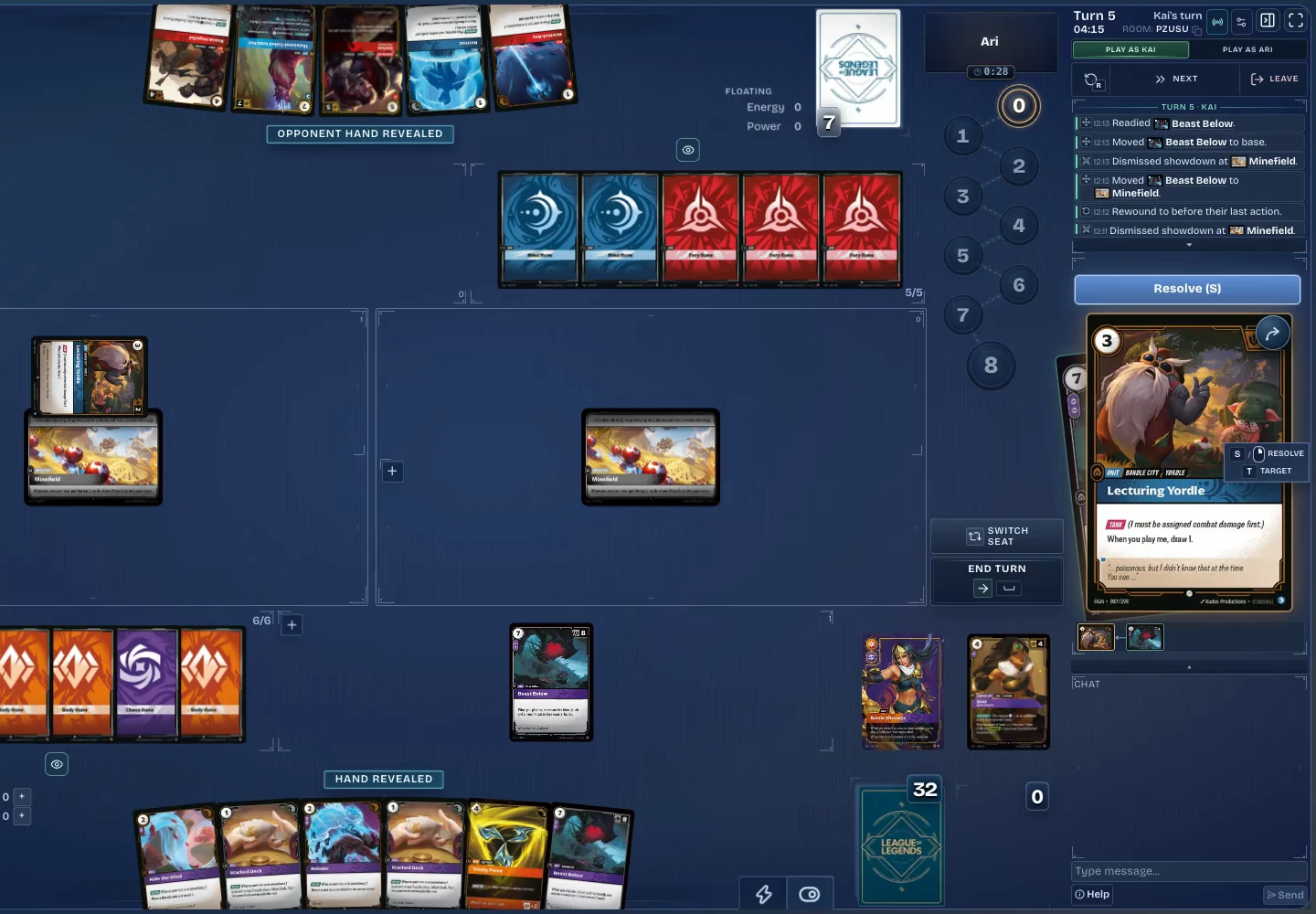
01Rewind
Undo a mistake.
Use rewind after an accidental recycle instead of rebuilding the game by hand.
Rift Atlas / Simulator
Your table is ready.
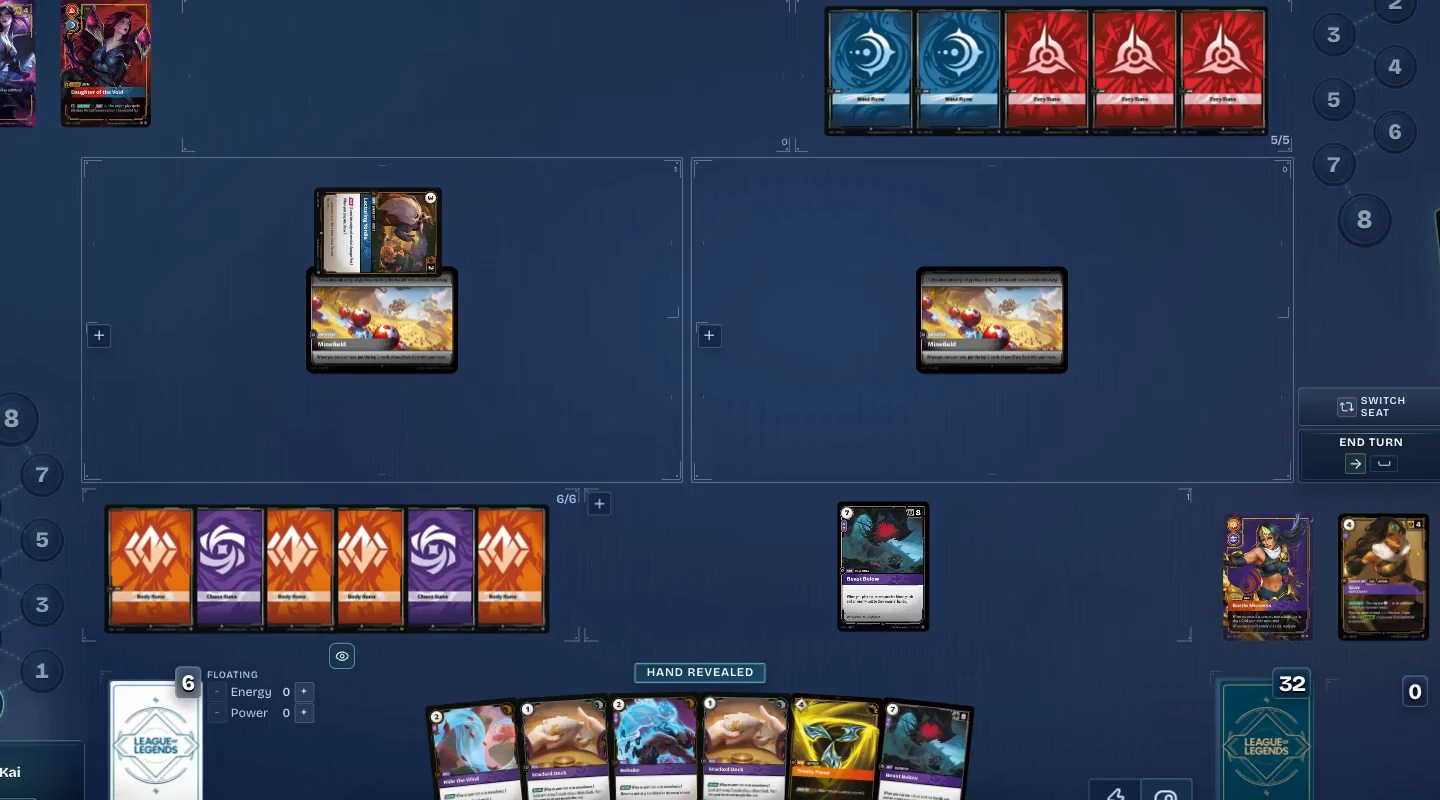
Bring your favorite deck. Find your next rival. Play Riftbound in your browser, with room for a rematch.
Free to play · No download required
Ways to play
A quick match, a friendly rivalry, or time to test a new idea. There’s a seat for you.

Choose a constructed or sealed deck and join the matchmaking queue.

Create a room for a friend, or join one with a room code.

Test a deck without an opponent, or control both sides of the game.

Enter a room code to watch an existing match.
Play tools
Keep your attention on the next play. Try the previews to see the small things that make a big difference.
01Rewind
Use rewind after an accidental recycle instead of rebuilding the game by hand.
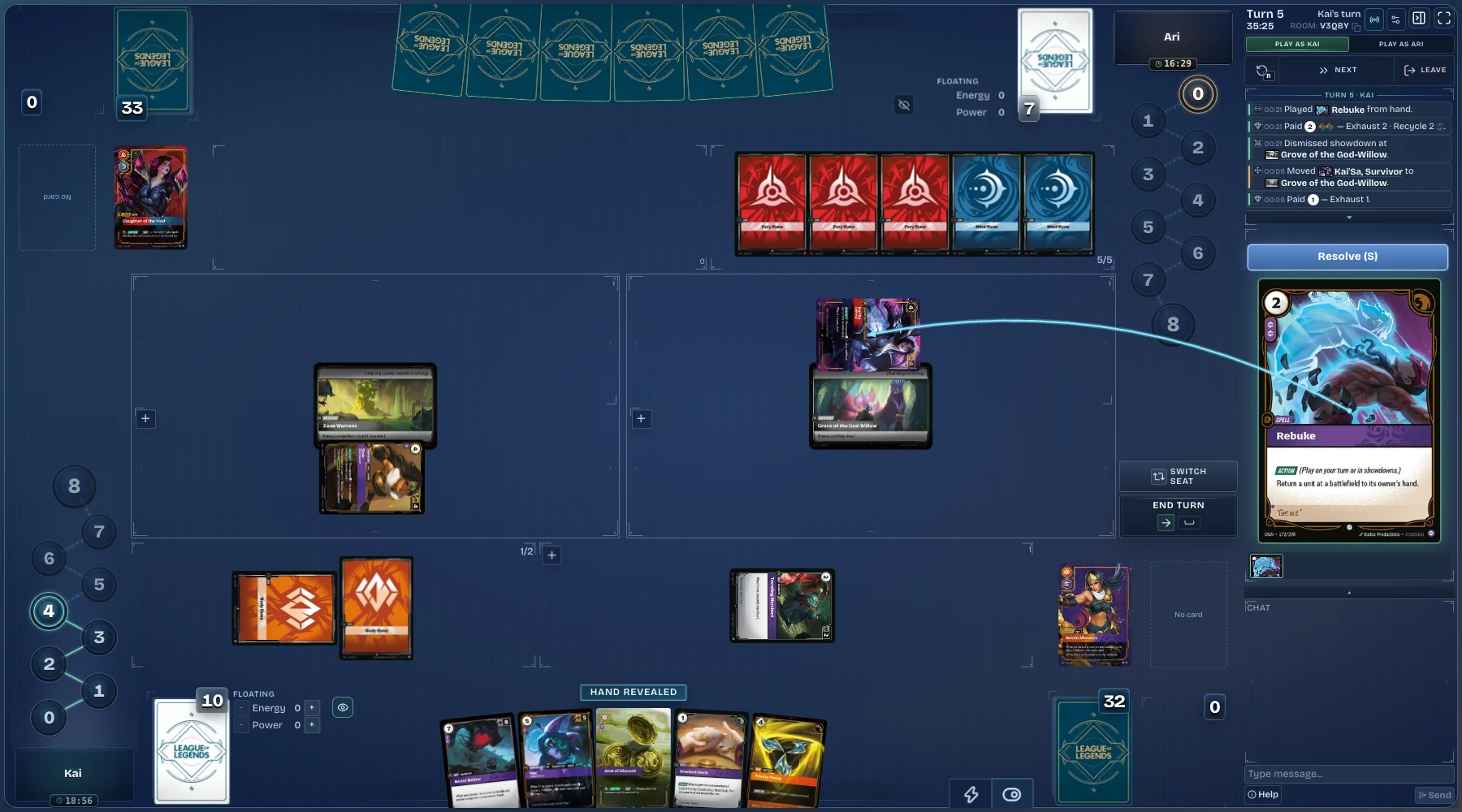
02Auto-pay
Auto-pay handles routine resource costs and still shows each payment.
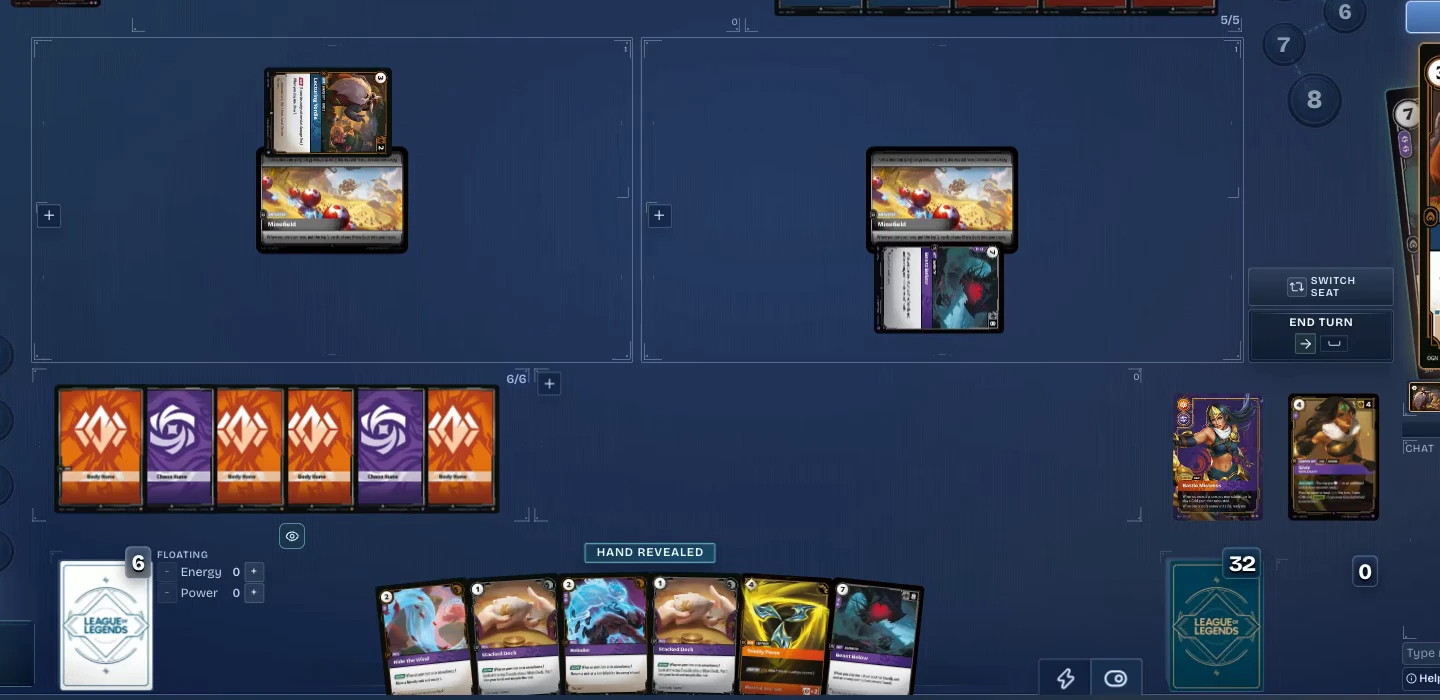
03Showdown assist
Showdown prompts keep the next action, conquering, and scoring close to the battlefield.
Your next move
Go straight to the lobby, or choose a saved deck first.